Find answers to frequently asked questions about the Genetic Tools Atlas. Learn about viral vectors, transgenic mouse lines, and tool selection.
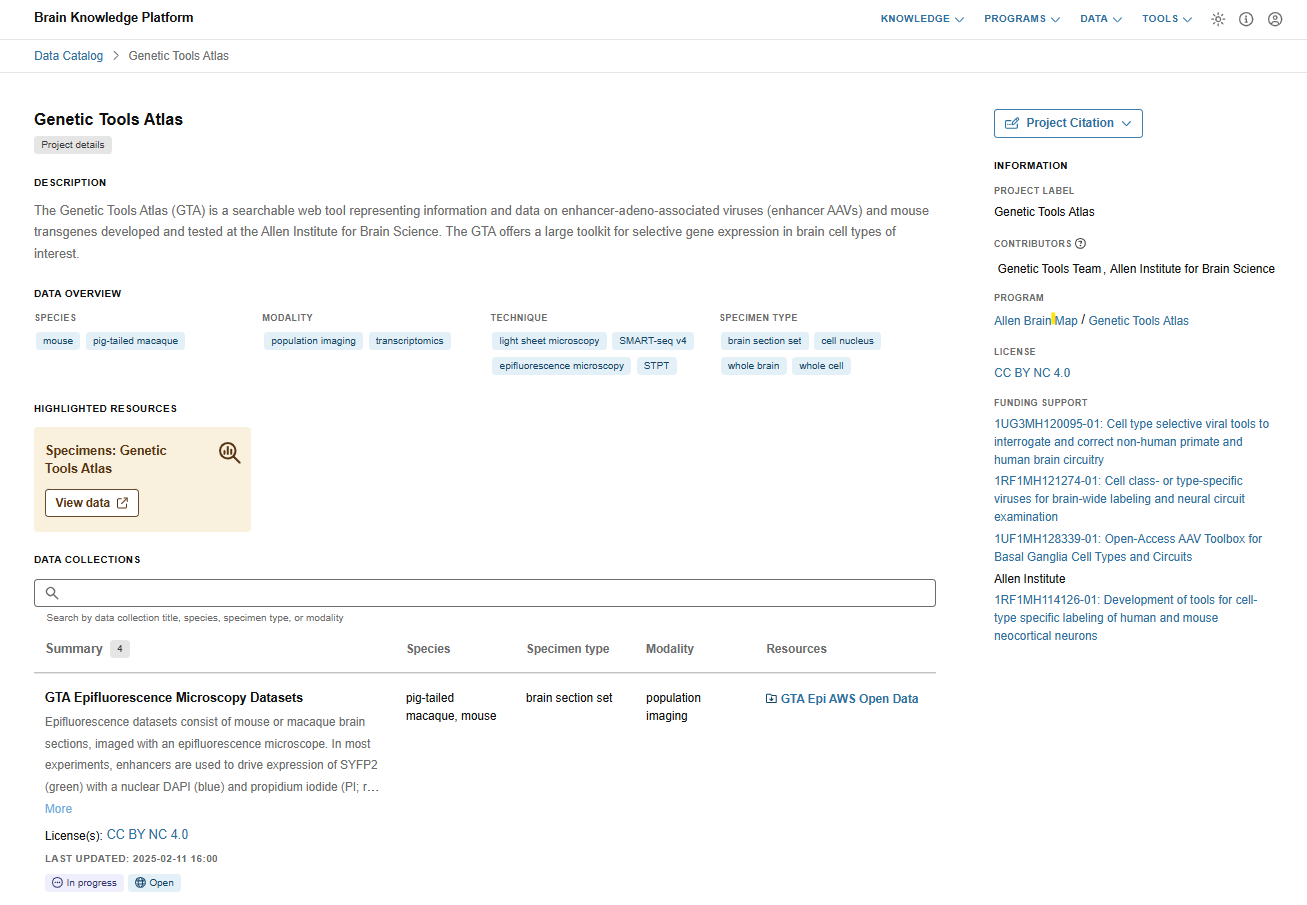
These frequently asked questions (FAQs) center around the Genetic Tools Atlas, a searchable web tool representing information and data on enhancer-adeno-associated viruses (enhancer AAVs) and mouse transgenes characterized at the Allen Institute for Brain Science.
Learn more about the Genetic Tools Atlas.
Why does it seem like some datasets are repeated across multiple rows?
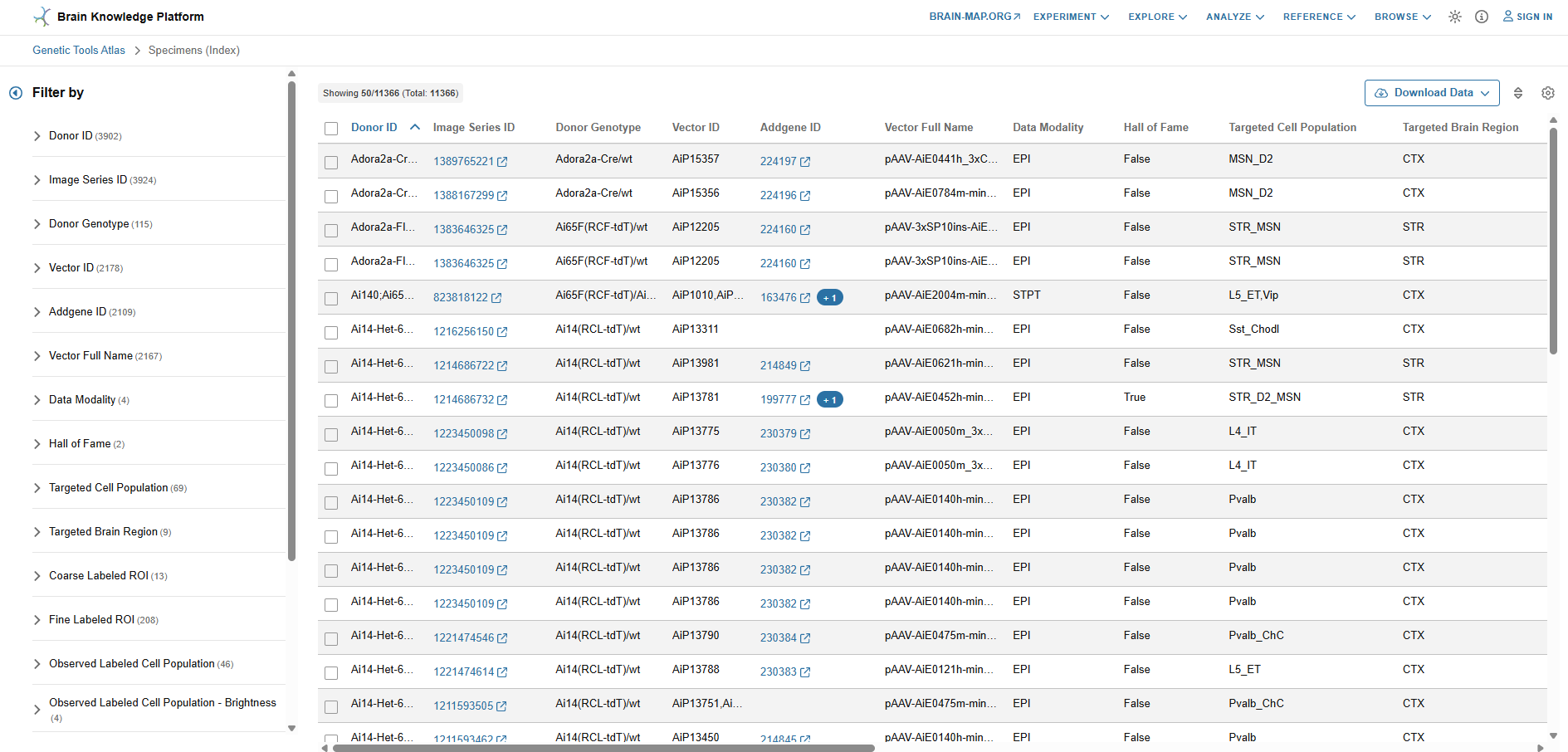
You are correct that this is the case, and we understand it is not intuitive. For each experiment (same Donor ID), each distinct population of labeled cells is independently scored for its anatomical location (Coarse Labeled- and Fine Labeled ROIs) as well as its labeling brightness and density. In the table format, each row represents an individual score within an experiment, rather than an individual experiment. This format often results in multiple rows belonging to the same experiment. In the planned 2026 release, this layout will be replaced by a more user-friendly one where each experiment will correspond to a single row.
How can I find a genetic tool which labels my brain region of interest?
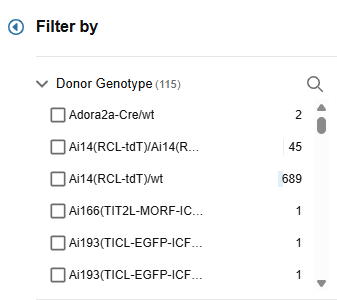
To filter experiments by labeled regions of interest (ROI), you can use the Coarse Labeled ROI or Fine Labeled ROI filters in the filter menu. Application of a filter to specific ROI(s) will show only experiments where that region is labeled.
I found a tool I like! How can I view all datasets associated with it?
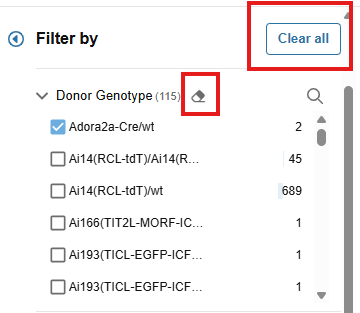
To view all datasets associated with a genetic tool, you can copy the name of the tool (Donor Genotype for a transgenic line and either Vector ID or Enhancer ID for an enhancer AAV), remove all other filters using the ‘Clear all’ button, and then paste it into the search bar of the matching filter category. This sequence of operations should allow you to observe all datasets available for that tool across all modalities.
How can I obtain the tools I wish to use in my research?
Most transgenic mouse lines are available to order from JAX and most enhancer AAV plasmids and select virus preps are available at Addgene. Relevant ordering information, such as Addgene ID, are displayed as metadata.
There are still a lot of results that come up after I’ve placed my ROI filters. How can I narrow down the list further?
To find relevant experiments with better accuracy, you can further filter experiments by the brightness and density of labeling using the Observed Labeled Cell Population – Brightness or Observed Labeled Cell Population – Density categories. In cases where it is applicable (mostly the neocortex and striatum) you can further filter results by the Observed Labeled Cell Population to find only tools which label the specific population you are interested in, within these ROIs.
How is the Target Cell Population defined for each enhancer and how is it different from the Labeled Cell Population?
The Target Cell Population for each enhancer is defined by the identity of the cells where this genomic DNA sequence shows the highest chromatin accessibility, and it predicts which cells will likely be labeled by it in an enhancer AAV vector context.
In contrast, the Labeled Cell Population reports which cells were observed to be labeled in each experiment. Since this observation is based on visual evaluation and not molecular identification, this category has lower resolution and does not include all categories of the Target Cell Population.
Since in most cases where labeling in the ROI is observed, the prediction matches the observation, these two categories can be used in tandem to find enhancers which are most likely to be on-target.
What is the difference between Observed and Measured Labeled Cell Population?
The Observed labeled Cell Population category was determined visually by Allen Institute scientists based on the distribution and morphology of the labeled cells in the scored region. Measured Labeled Cell Population was determined experimentally by single cell sequencing of the population of labeled cells in the target region. The population listed in this category represents the highest fraction of labeled cells in the experiment and the % Specificity category details the size of that fraction.
Is there a way to determine the molecular identity of the Observed Labeled Cell Population?
Yes. For all transgenic mouse lines and a subset of enhancer AAVs, we performed single cell RNA sequencing of the labeled cells to determine their molecular identity more accurately. While this information is currently displayed for only a small fraction of experiments, it can be found either as supplemental data files in the original publications or in collections which can be viewed in our BioFileFinder (BFF) platform.
In the Observed Labeled Cell Population – Brightness category, what is the difference between “NA”, “none”?
“NA” (not applicable) refers to experiments where the fluorescent signal comes from a reporter mouse line, following either a cross with a driver line or delivery of an enhancer AAV expressing a recombinase.
“None” indicates that the experiment has been evaluated, and no fluorescent labeling was observed.
What is the Hall of Fame category?
Allen Institute scientists have designated some genetic tools as Hall of Fame tools if they were found to label a particular population or ROI exceptionally well, relative to all other available tools. In cases where the anatomical distribution of the cells is not sufficient to determine the degree of specificity (such as with cortical or striatal interneurons), molecular validation through single cell sequencing of the labeled population assisted in determining the degree of specificity.
Are enhancer AAVs strong enough to drive expression of functional cassettes?
Previously published work by the Allen Institute and other labs has shown that enhancer AAVs are capable of driving sufficiently high levels of expression for functional cargo. However, this will depend on many parameters, such as the identity of the enhancer, the viral serotype, the delivery route, etc. Therefore, this property will need to be empirically evaluated for each enhancer before it is used.
Why do I sometimes see a fluorescent signal in an unexpected channel?
During image conversion for GTA, all image sets underwent an automatic optimization process for enhancement of brightness and contrast across all channels. Images with extremely bright fluorescence (to the point of saturation) in one of the channels, showed bleed-through into a neighboring channel. During the image optimization process, this weak bleed-through signal was amplified, while the signal in the original channel was dimmed. This process occurred only in STPT datasets with extremely bright signal in the green channel (usually with the Ai193 and EGFP-H2B transgenic reporter lines or ICV/STX delivery of strong enhancer AAVs). In these cases, the bleed-through in the red channel can be used to better evaluate the expression pattern, as it is not saturated like the signal in the green channel.
How can I adjust the image settings or take snapshots of them?
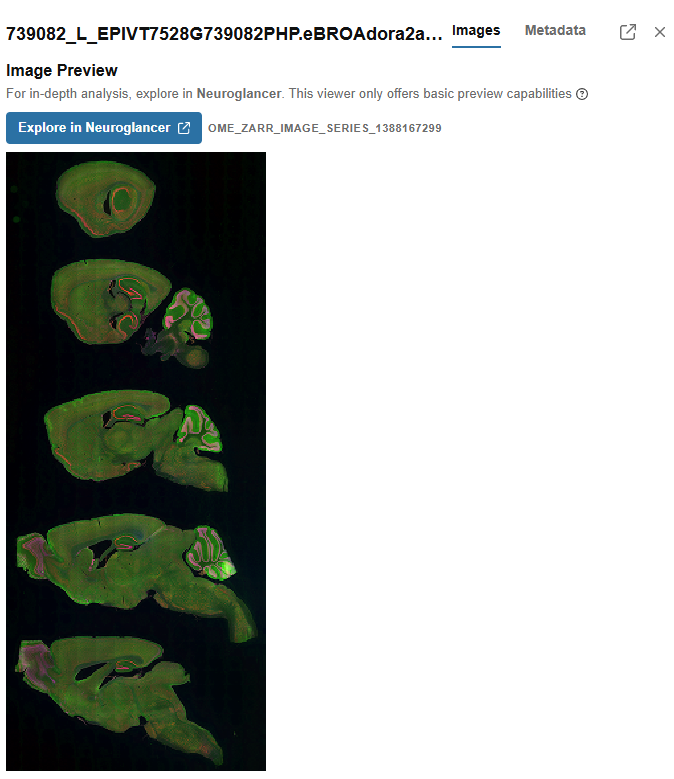
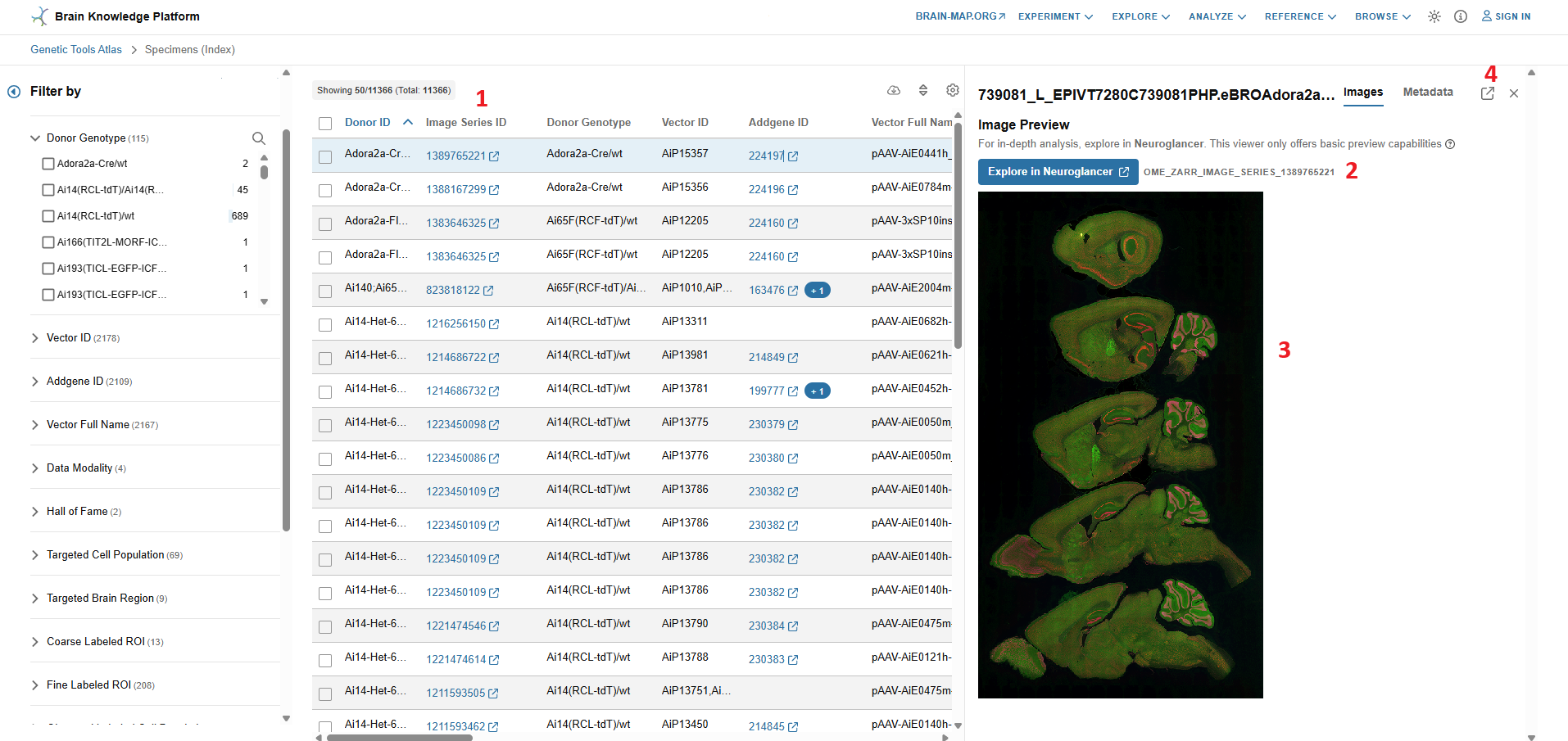
Clicking on a specific row in the results table will enable a preview of the image set. For additional image options, you can click on the button above the preview image to access Neuroglancer. In this platform, you can toggle the image channels using the scroll bars on the righthand side of the screen, take snapshots using the camera icon on the top righthand corner, add and share annotation to the images, and much more!
Useful Hot-Keys for Neuroglancer:
- “ctrl + scroll” zoom
- “R” and “E” rotate
- “Z” locks to the nearby “straight” orientation
- “scroll” move through volume for STPT images
- “Shift + scroll” fast move through volume for STPT images
See the dedicated Neuroglancer documentation for more details.
I can’t find any tool which meets my experimental needs. Are there additional tools available that are not shown here? How often will new tools be released?
The Allen Institute continuously generates and evaluates new genetic tools. We’re planning to release additional experiments and image data in regular intervals. New release announcements will be posted here:
I can’t find important metadata in the filter set. Is it displayed elsewhere?
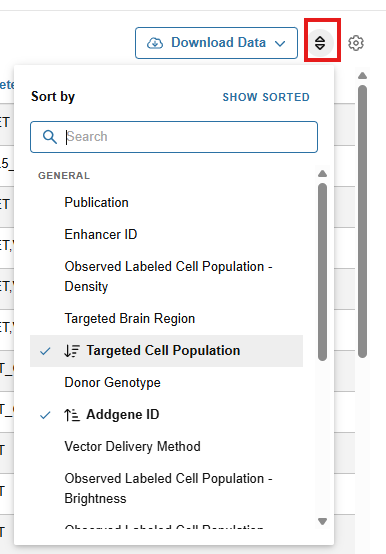
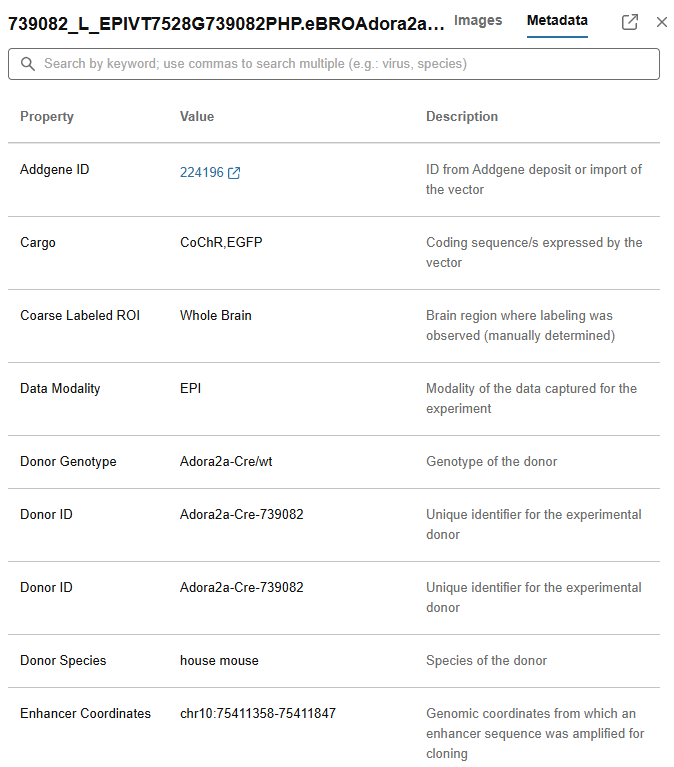
For simplicity, we chose to display metadata filters that would be useful for most users and hide other filters. To see if the parameter you need is hidden, click on the gear icon representing the Display Properties Menu in the top righthand corner of the search results and check the box for your parameter. This will make this parameter available as part of the filter set.
Can I combine several enhancer AAVs to target multiple populations in a single experiment?
While it is possible, reports by us and others have shown that in some cases enhancers can crosstalk, leading to unpredictable off-target labeling. We have carried out several experiments where such a crosstalk was not observed, but it should still be determined on a case-by-case basis, including when implementing enhancers together with various promoters in multiplex virus administration experiments.
Should I expect a similar labeling pattern when I deliver enhancer AAVs using a different route of administration?
We have used RO delivery of PHP.eB pseudotyped AAV in most of our experiments and observed that when an alternate route (mostly ICV or stereotaxic) is used, specificity is sometimes diminished, but brightness increases several fold. The optimal viral dose range for each route of administration needs to be evaluated empirically.
Should I expect a similar labeling pattern when I package enhancer AAVs using a different serotype?
We have used systemically delivered PHP.eB pseudotyped AAV in nearly all our experiments and have little data showing how they perform when other serotypes are used. In published work from the Allen Institute and other labs, it was shown that different serotypes can vary in their cell type tropism. Therefore, using conditions which differ from the ones shown here should be experimentally evaluated on a case-by-case basis.
I believe there’s an error with a dataset. How do I report this?
The Allen Brain Map Community Forum can be used to report this. You can also email the research team leads at GeneticTools_AIBS@alleninstitute.org.
Who can I contact to discuss a specific tool?
Please email the research team leads at GeneticTools_AIBS@alleninstitute.org.
Can I use a screenshot of this data for my presentation/publication?
Please cite publication(s) listed in the “Publication” column. For BioRxiv preprints listed in the “Publication” column, please check for updated published versions to cite. For reagents that do not have a publication listed, please cite the Genetic Tools Atlas RRID:SCR_025643 and follow our Citation Policy.
My browser is having issues displaying the data correctly. What browser do you recommend?
We recommend using Chrome for the best user experience.